Blog
Practical guides to time, place and photo privacy
Short, specific guides to the questions people actually ask about timestamped photos — written for one person with a phone, not for a field team.

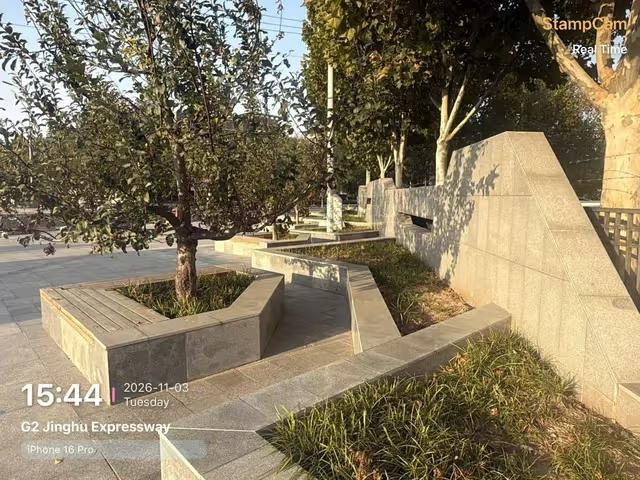
How to add a date and time stamp to iPhone photos
A visible date can be added with Markup, Shortcuts or a camera app.
How to add a date and time stamp to iPhone photos
A visible date can be added with Markup, Shortcuts or a camera app.
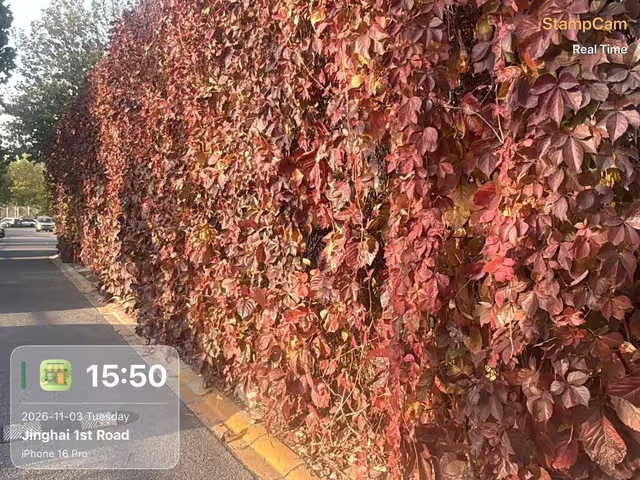
Do timestamp camera apps upload your photos?
Airplane mode checks whether capture and saving work offline.

Where was this photo taken? Find its location
Inspect the original file first.
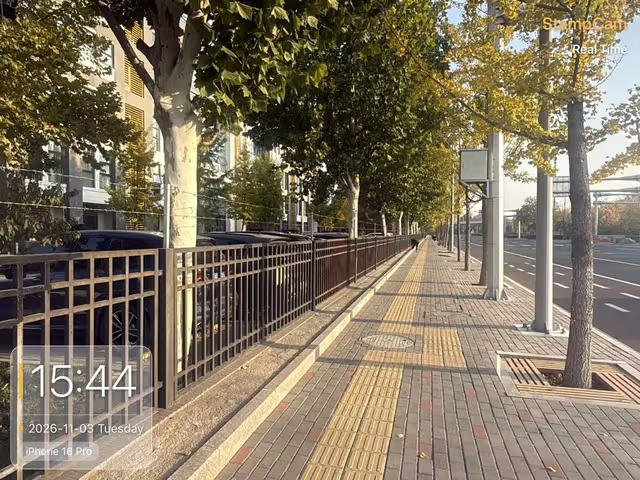
Which camera features still work with no internet
Time and image rendering can work locally.

Add date and time to Android photos
Add a visible date to Android photos: check camera watermark settings, stamp while shooting, and verify the saved image.
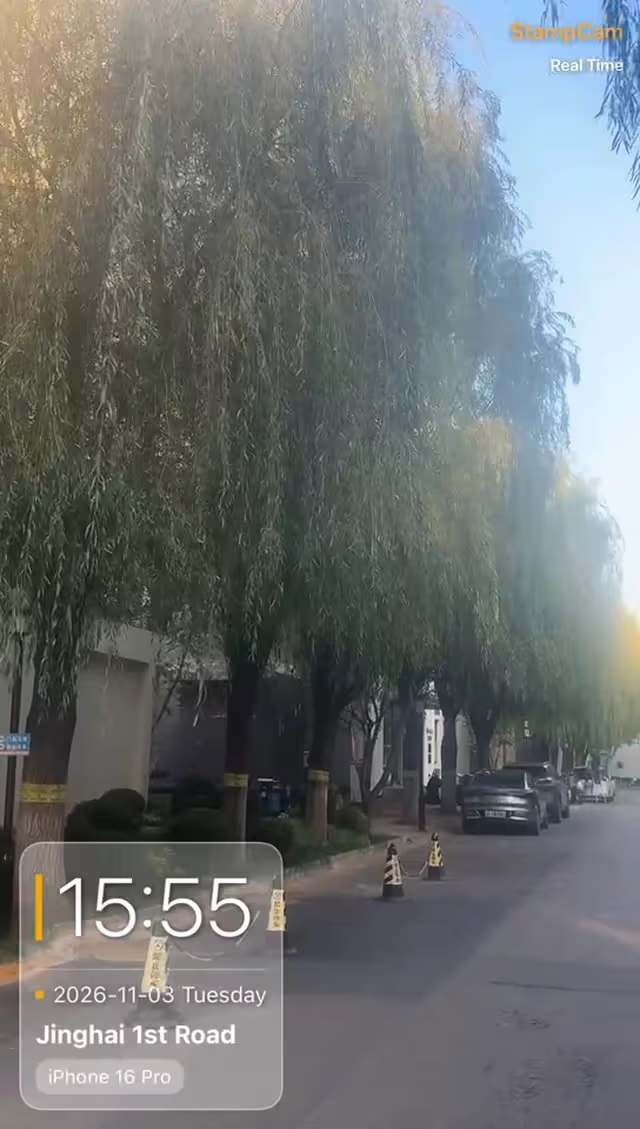
Record video with a visible timestamp
Put date and time on new videos, choose readable fields, and check the saved clip before recording an important event.

Show GPS coordinates on your photos
Display latitude and longitude on new photos, check location permissions, and distinguish visible stamps from EXIF GPS tags.

Add a company logo while taking photos
Choose a readable logo, enable it in a compatible watermark style, and check your saved work photos before sharing.
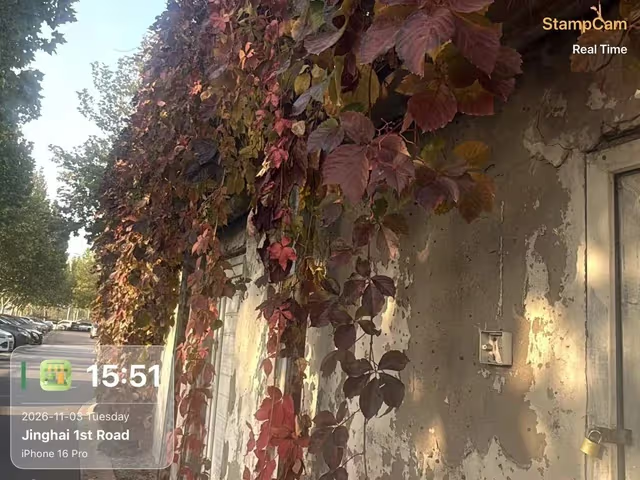
Fix a missing address in a timestamp camera
Check the address field, app location permission, current position and network lookup before changing your watermark settings.
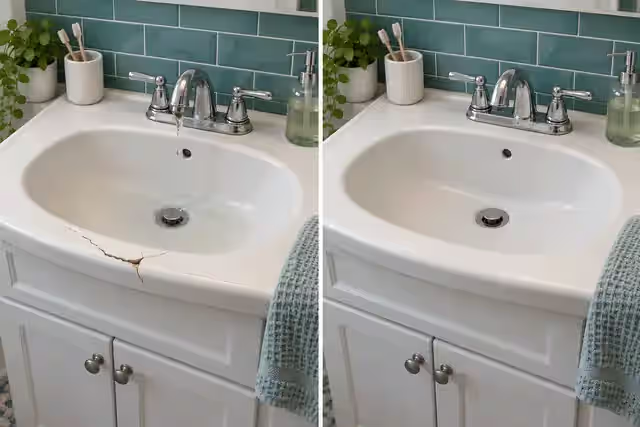
Take useful before-and-after repair photos
Use matching angles, detail shots and concise notes to make before-and-after repair photos easier for customers to understand.
Stamp it at the moment you shoot
Time, address, GPS coordinates, weather and notes burned into every photo and video — on your device, with no account, free on iOS and Android.