STAMPCAM / iOS + ANDROID
Features and limits
StampCam is a time and location watermark camera for iPhone and Android. Add selected fields to photos and videos on your device, without an account. Location fields depend on permissions, reception and available data.
Updated
Features and limits
StampCam is available for iPhone and Android. Styles, controls and optional data sources can differ by platform and version; the store listing and the saved output on your device are the references.
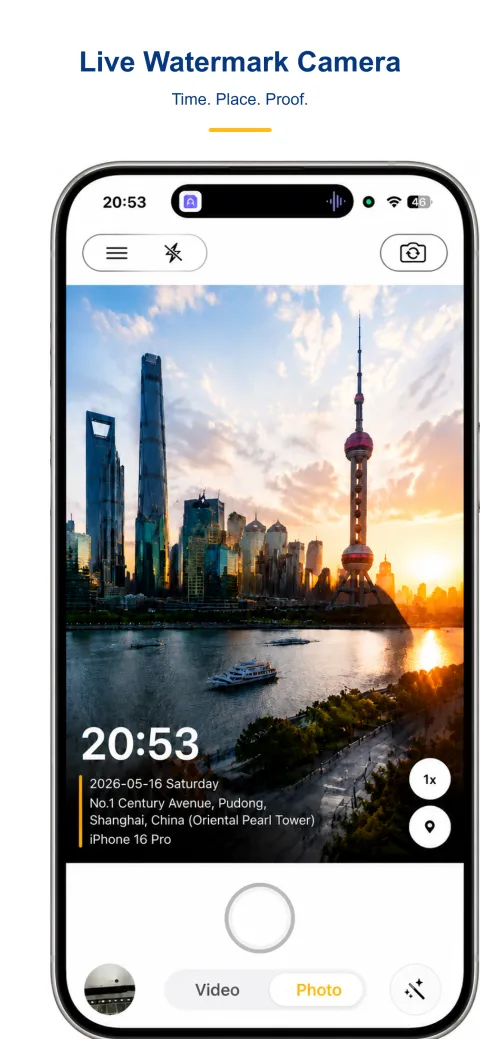
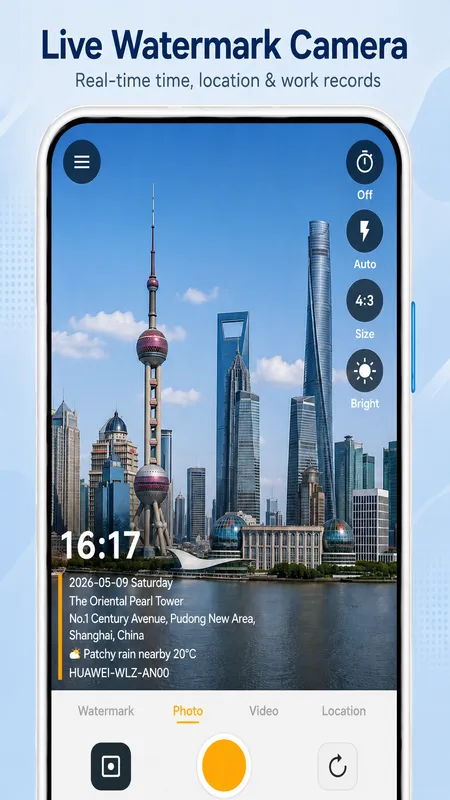
Depending on the selected style, a watermark can show time, address, GPS coordinates, weather, elevation, a note, device information or a logo. Enable the field and use a style with space for it. Check a saved photo or video; a preview alone is not an output test.
Offline camera
Capture, watermark rendering and saving run on your device. Time-only capture can work offline. GPS requires permission and a usable position fix. Fresh street addresses, weather and map tiles may need a network; cached values may be stale.
On iOS, elevation comes from the device location reading. Android also has an optional online elevation lookup. Availability and accuracy depend on the source, reception and cached data; elevation is not a universal offline guarantee.
Photo privacy
StampCam processes and saves photos and videos on your device without an account. Local media processing does not mean zero network traffic: address, weather, map and some elevation services can receive location data. Analytics and store services may also use a connection. Sharing and system photo backup follow your own settings.
Photos and videos
Depending on the selected style, a watermark can show time, address, GPS coordinates, weather, elevation, a note, device information or a logo. Enable the field and use a style with space for it. Check a saved photo or video; a preview alone is not an output test.
| Conditions | iOS | Android |
|---|---|---|
| Date & time | On your device | On your device |
| GPS* | On your device* | On your device* |
| Address / weather / map* | Online lookup* | Online lookup* |
| Elevation* | On your device* | On your device / Online lookup* |
Step-by-step
- Wi-Fi and cellular both off, so there is no route off the device at all.
- Capture, watermark rendering and saving run on your device. Time-only capture can work offline. GPS requires permission and a usable position fix. Fresh street addresses, weather and map tiles may need a network; cached values may be stale.
- Time and image rendering can work locally. GPS still needs a usable position fix, so reception indoors may fail. Addresses, weather and maps usually need a service or previously cached data; a displayed value may be stale. Check the saved photo before relying on it.
- If that line now stalls or comes back blank, you have found exactly where the network fits in — and it is a small part.
- If the app still needs a connection with the optional fields off, it is not an offline camera whatever the listing says.
Documentation and evidence
Documentation reviewed on 2026-10-04 against available iOS and Android source code. The images below are existing product presentations, not a versioned physical-device test report. No original output photo or video from a recorded test is published here yet.
AI-generated scene illustration; not a customer photo or a product test.